How to Improve Your Jenkins Builds with Shared Libraries
Tejashree Salvi
December 5, 2024
4 minutes read
Share
What is a Shared Library?
A shared library in Jenkins is a reusablecollection of Groovy scripts that can be used by multiple Jenkins jobs. This allows you to share code and functionality between different jobs, which can make your builds more efficient and easier to maintain.
To understand the concept of shared libraries, let’s consider a real-time example. Imagine you have multiple Jenkins pipelines that require a common set of functions for interacting with a version control system, such as Git. Instead of duplicating the Git-related code in each pipeline, you can create a shared library that encapsulates the necessary Git operations.
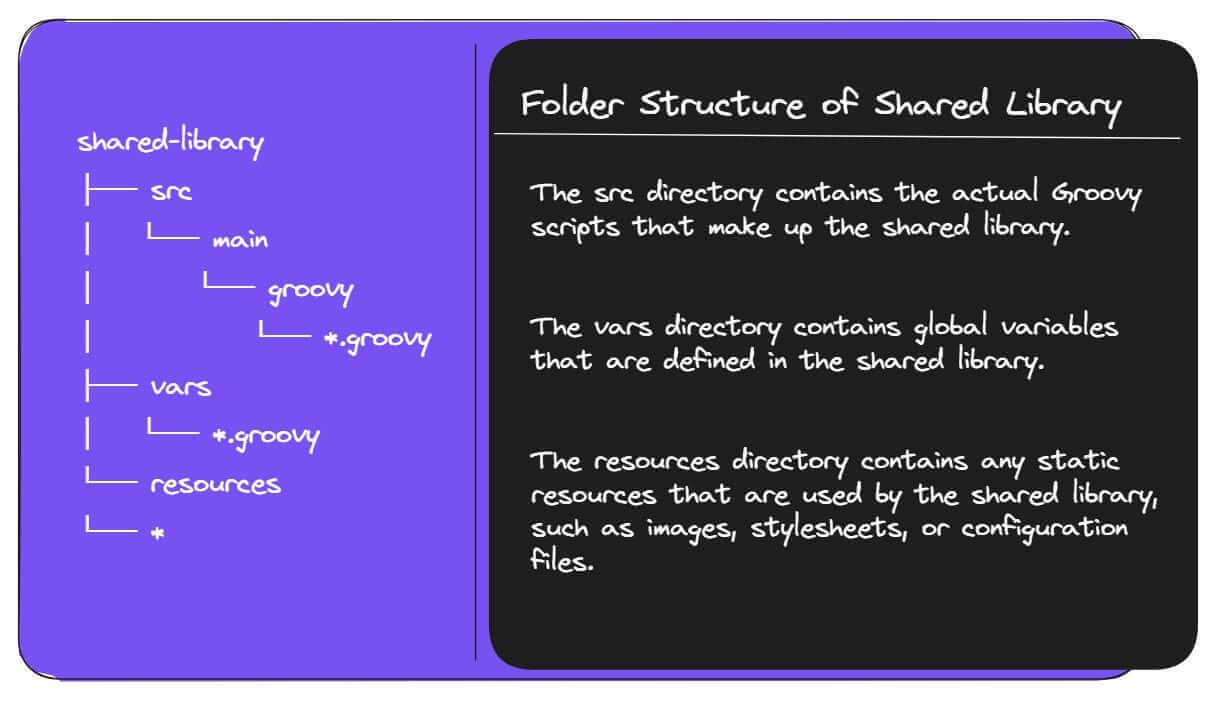
Folder Structure of Shared Library
Folder Structure Used in Shared Library
The src directory is structured like a standard Java project. This means that you can use the import statement to import classes from other directories in the src directory.
The vars directory is a special directory that contains global variables that are defined in the shared library. These variables can be accessed from any Jenkins job that imports the shared library.
The resources directory is a regular directory that can contain any type of file. However, it is typically used to store static resources that are used by the shared library.
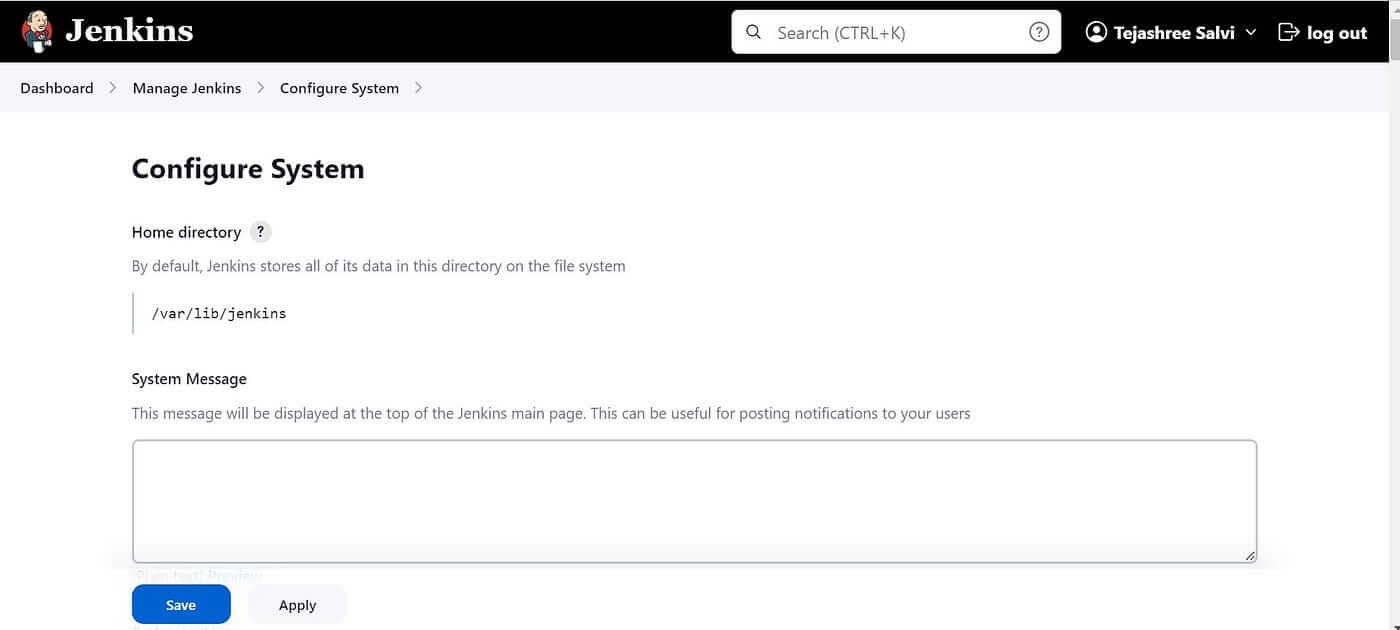
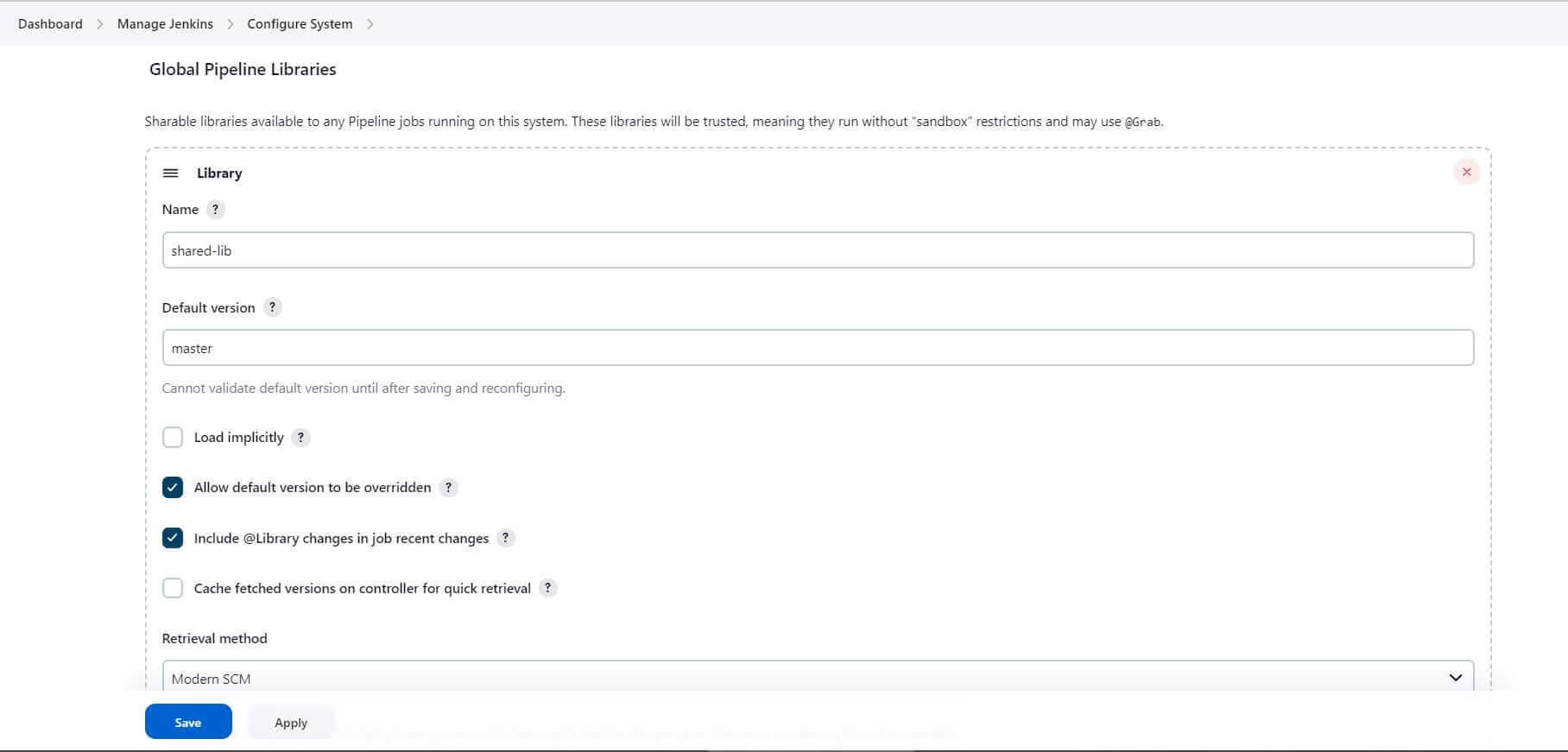
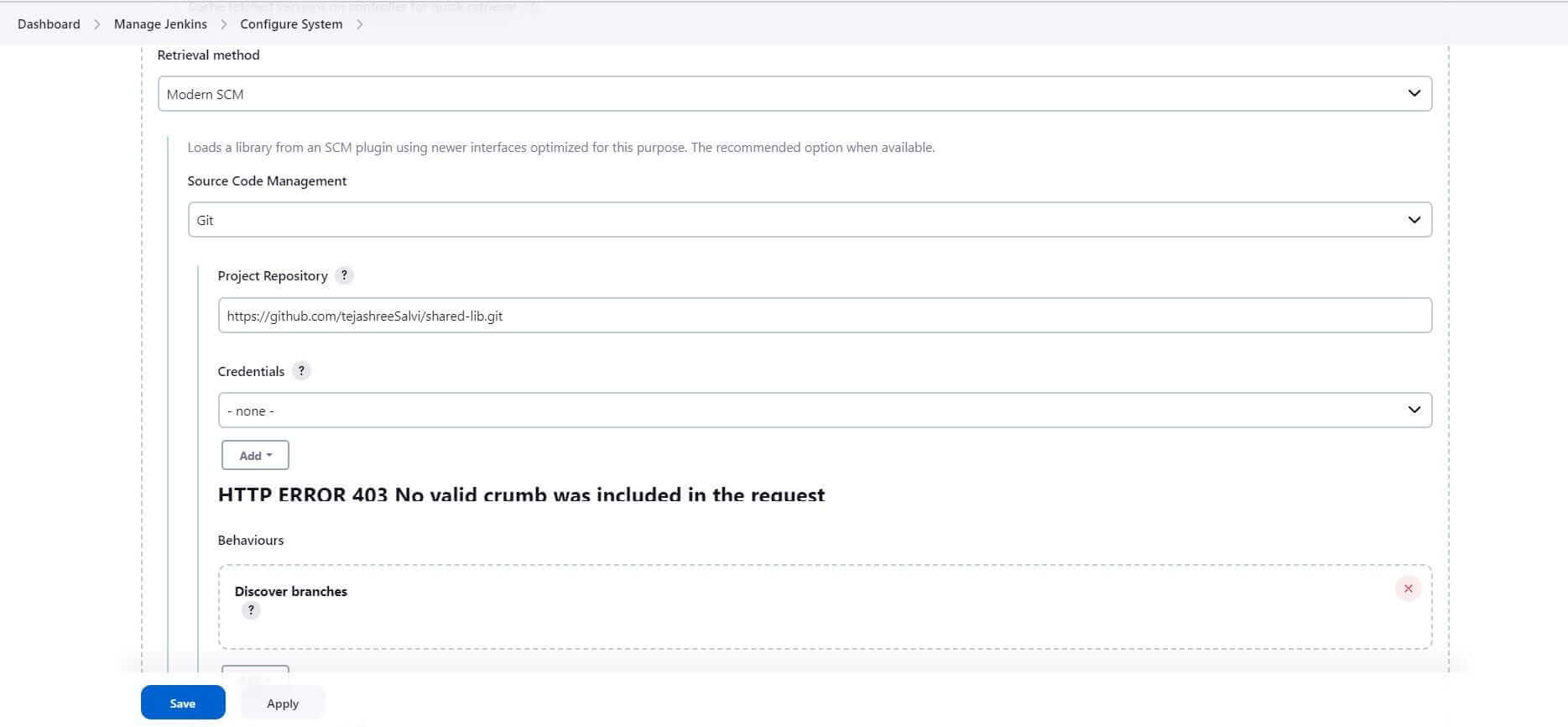
Steps to Configure Shared Library in Jenkins
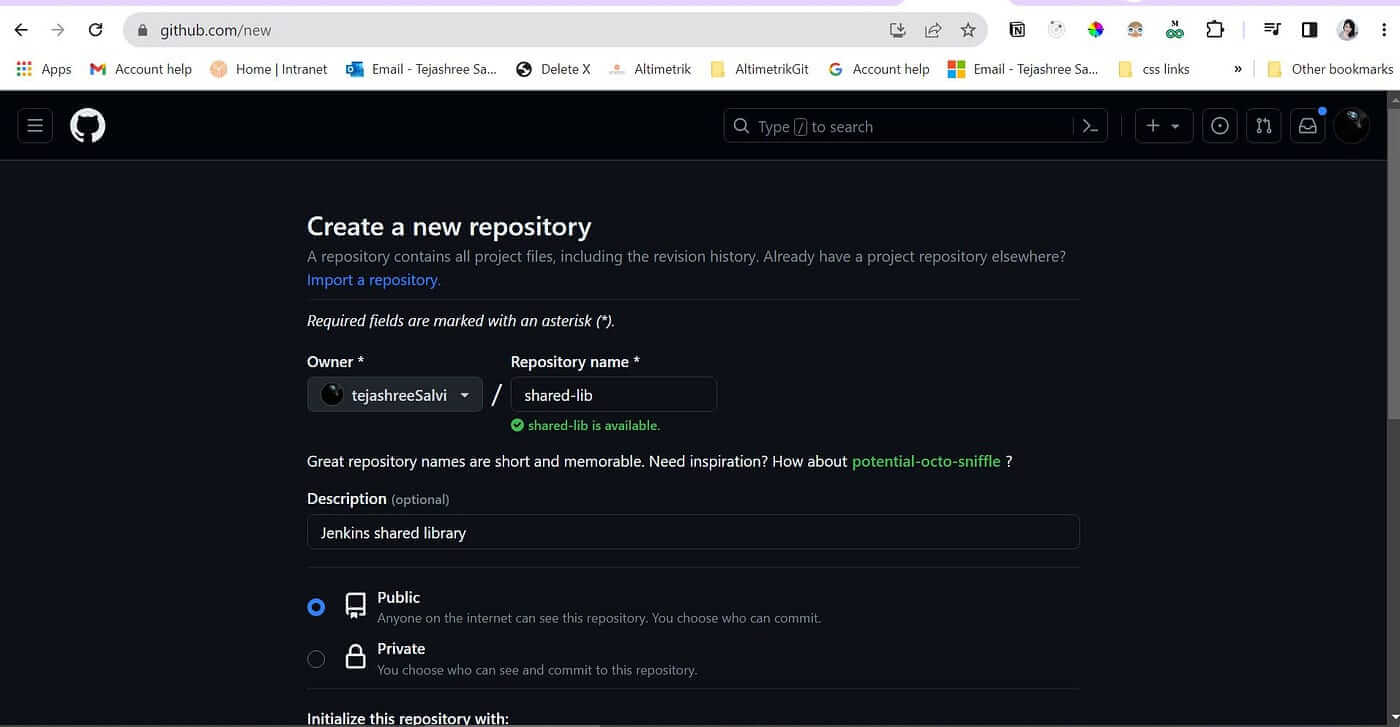
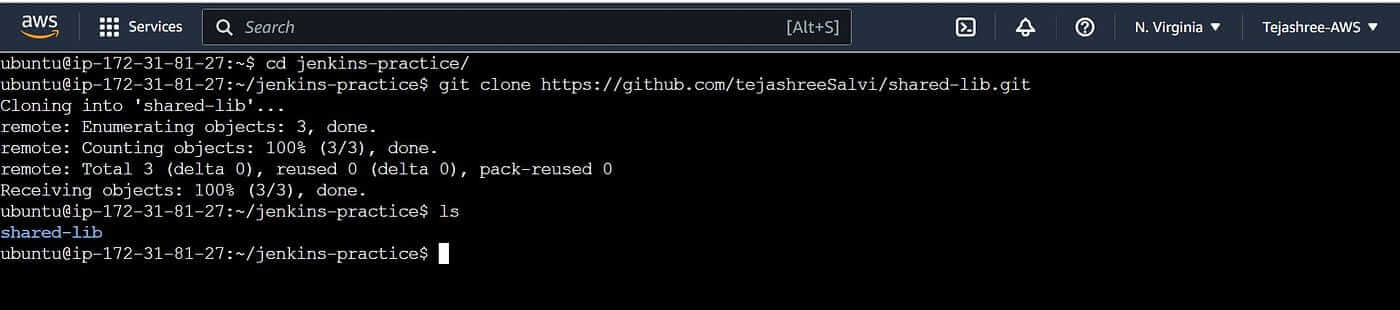
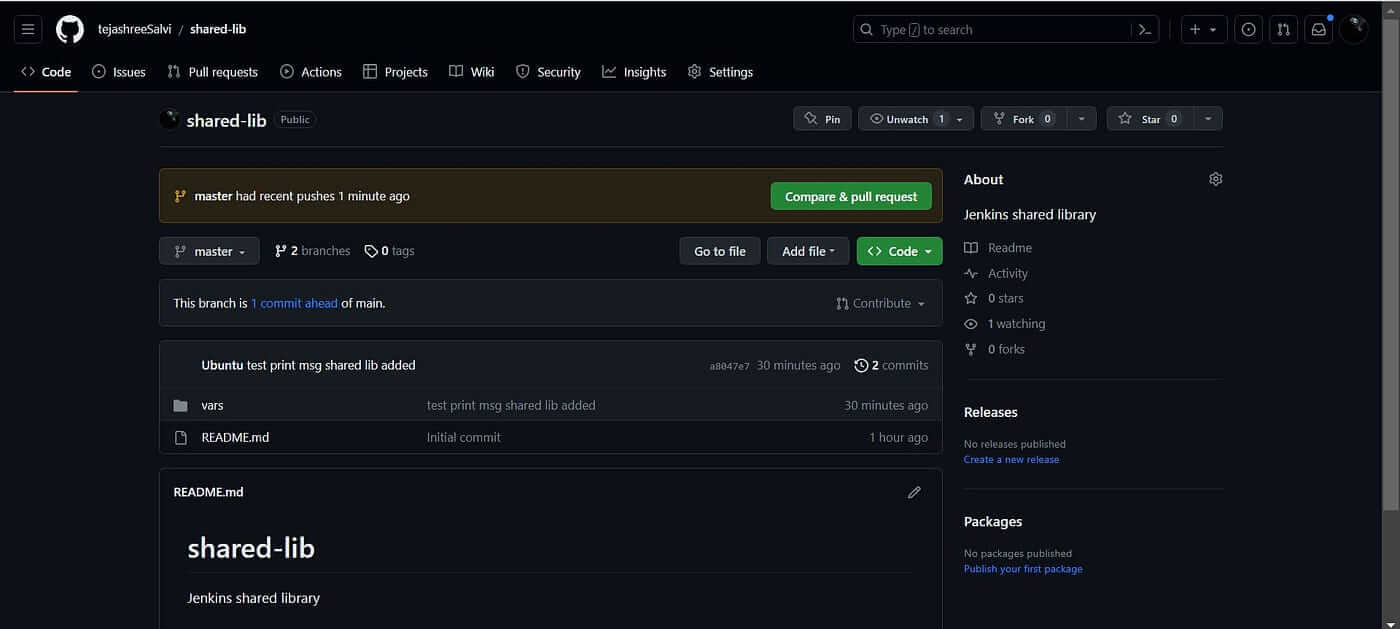
Create a repository in any source code management tool.
cd shared-lib
# create a master branch (optional)
git branch master
git checkout master
# create vars directory
mkdir vars
cd vars
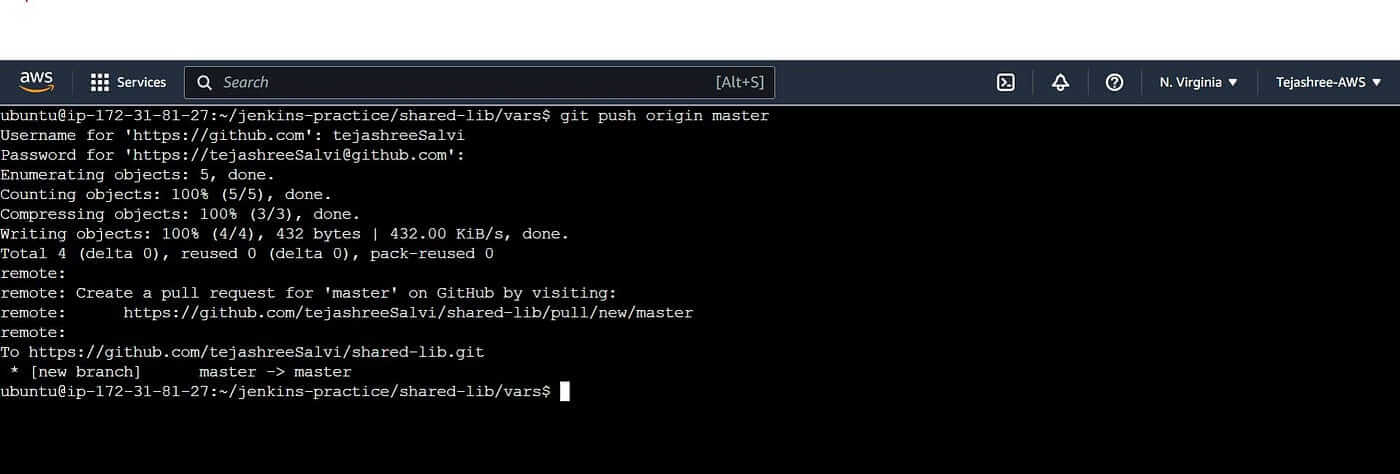
We have created the vars directory in which we are going to write our reusable function.
Let’s consider a real-time example. Imagine you have multiple Jenkins pipelines that require a common set of functions for interacting with a version control system, such as Git. Instead of duplicating the Git-related code in each pipeline, you can create a shared library that encapsulates the necessary Git operations.
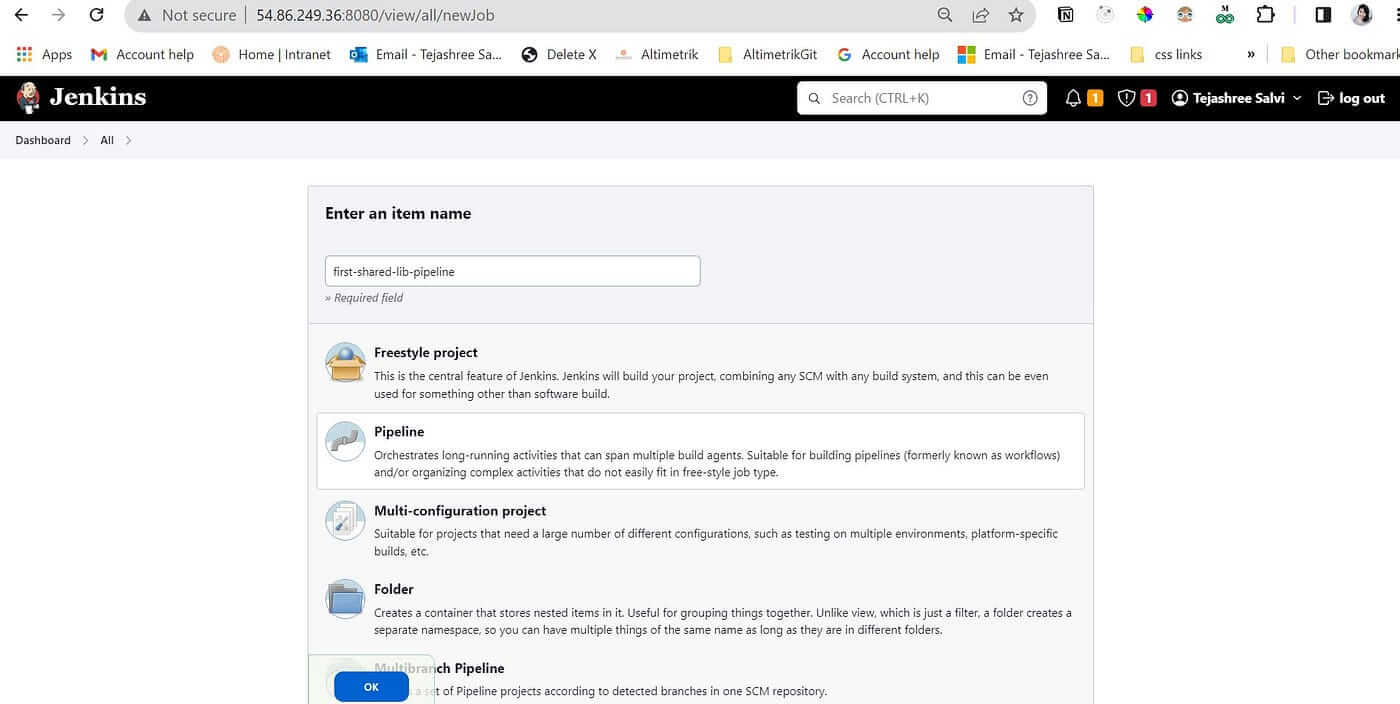
Creating your First Shared Library to checkout scm.
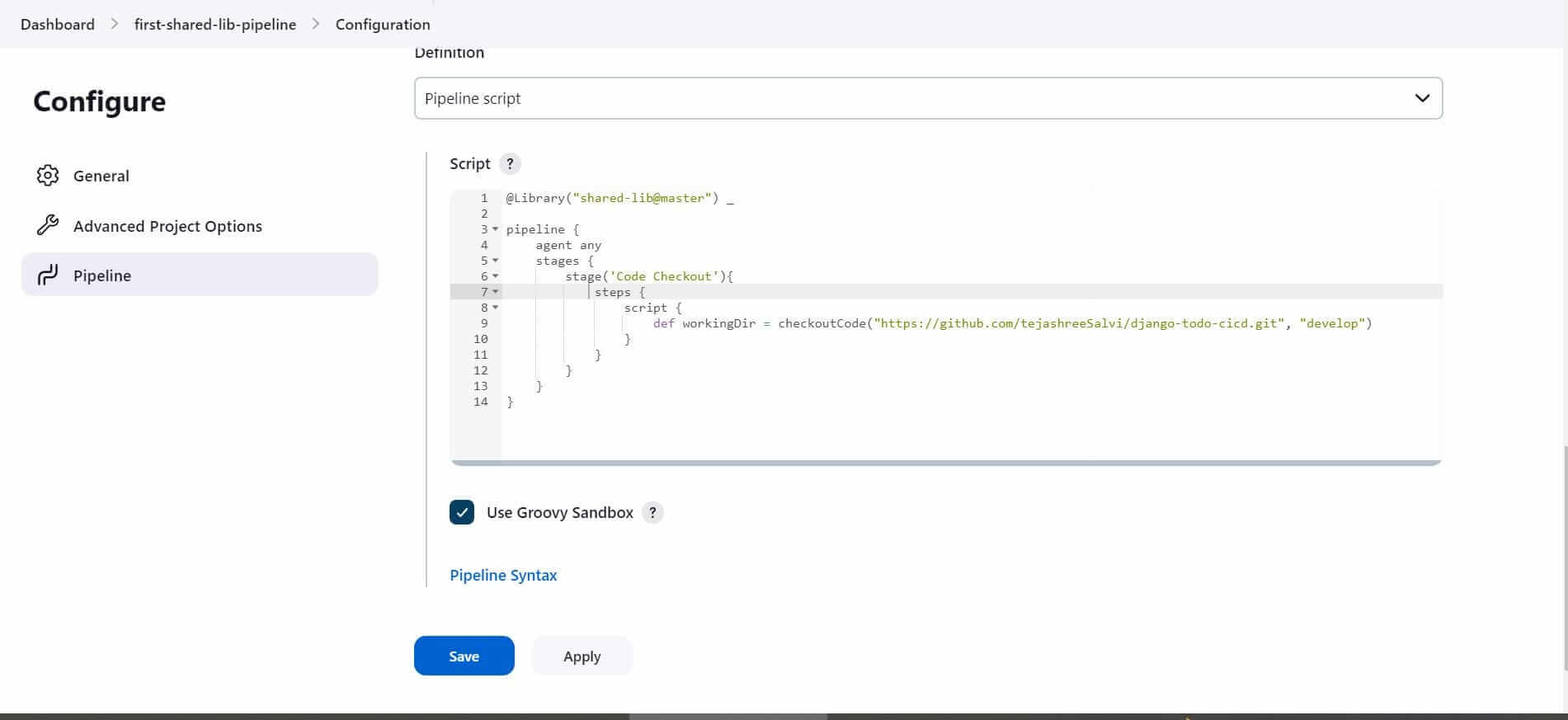
@Library("shared-lib@master") _: this will import the shared library named “shared-lib” at the “master” branch. The library is made available for use in this Jenkins pipeline.
2. def workingDir = checkoutCode("https://github.com/tejashreeSalvi/django-todo-cicd.git", "develop"): This line calls the checkoutCode function from the shared library, passing the repository URL and Branch name.Hence you can create multiple pipelines and use the checkoutCode function from a shared library to checkout scm. Instead of writing the block of code again and again in all the Jenkins pipelines.
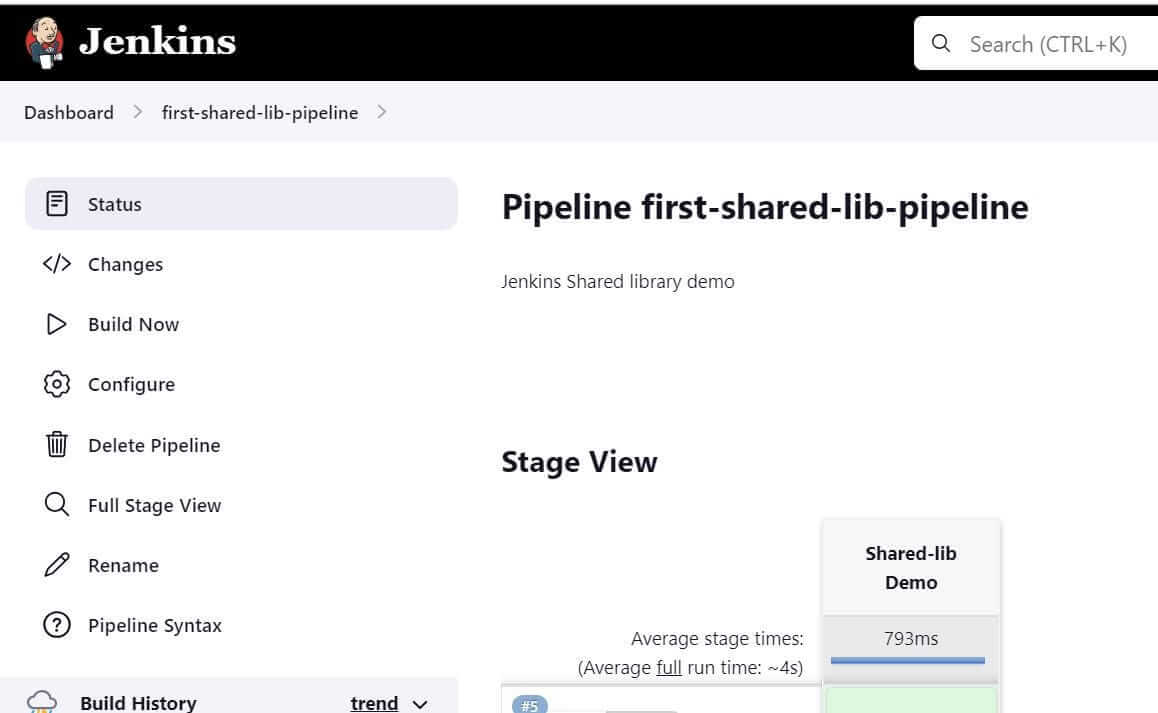
Build the Pipeline.Go to first-shared-lib-pipeline → Click on Build Now
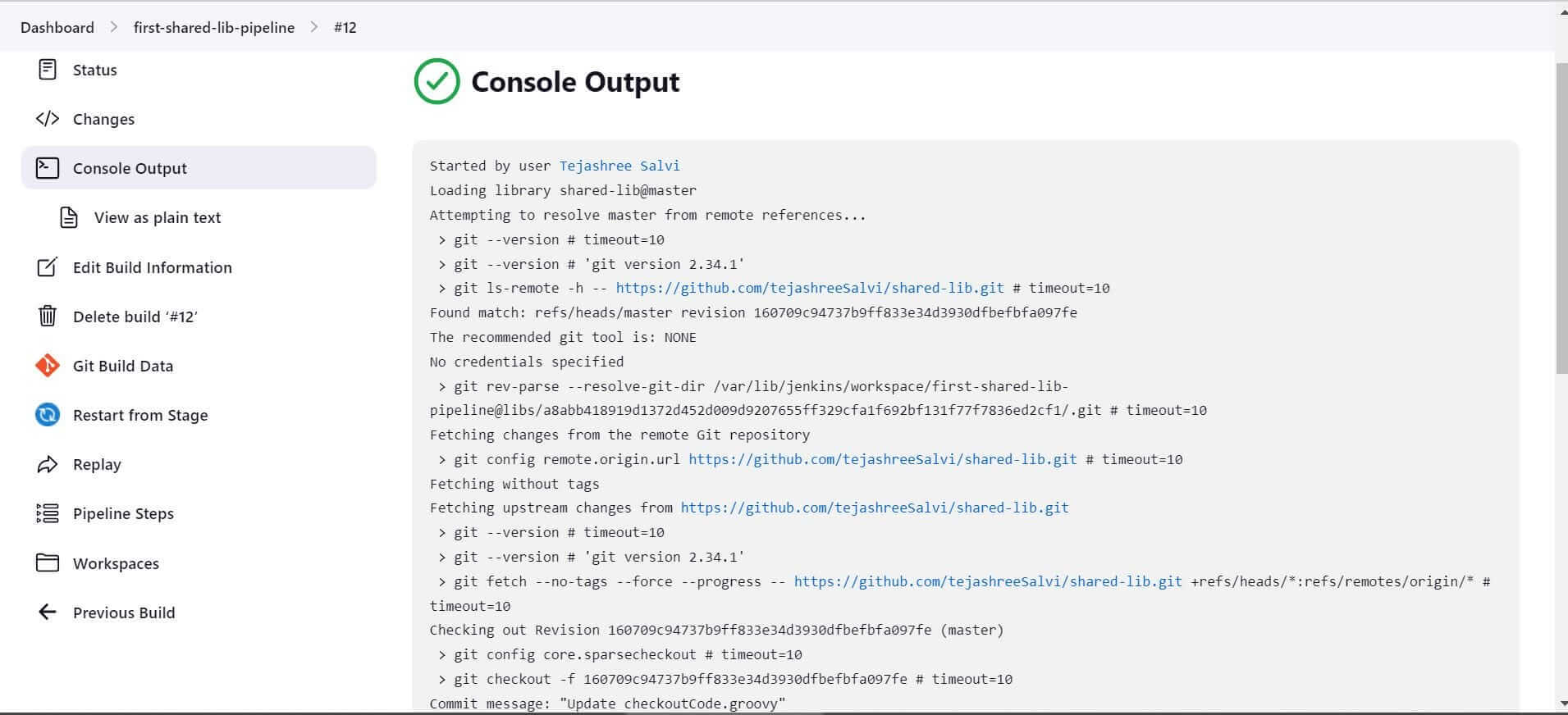
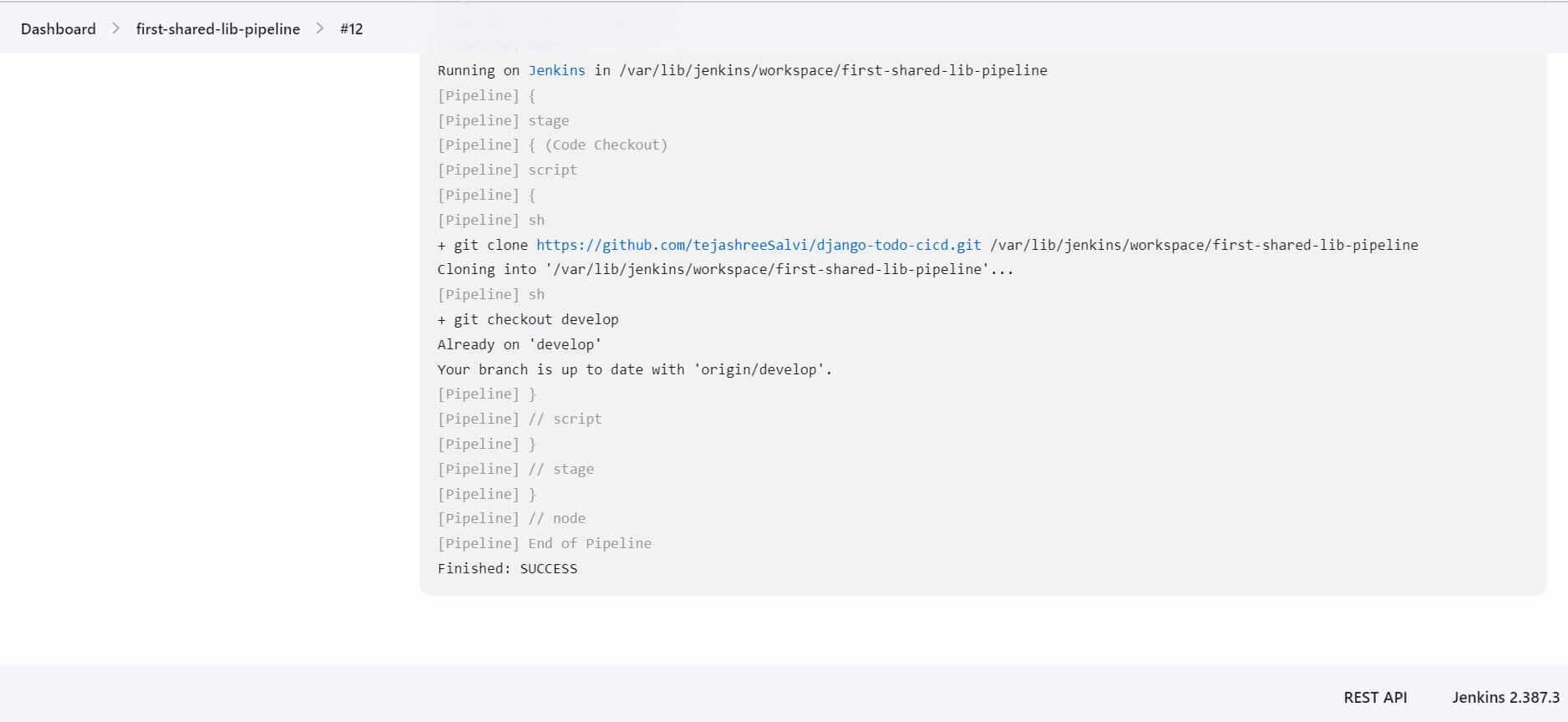
The build will be triggered. Check the console output of the build.
If you look closely, you will find that the Shared library was loaded successfully.
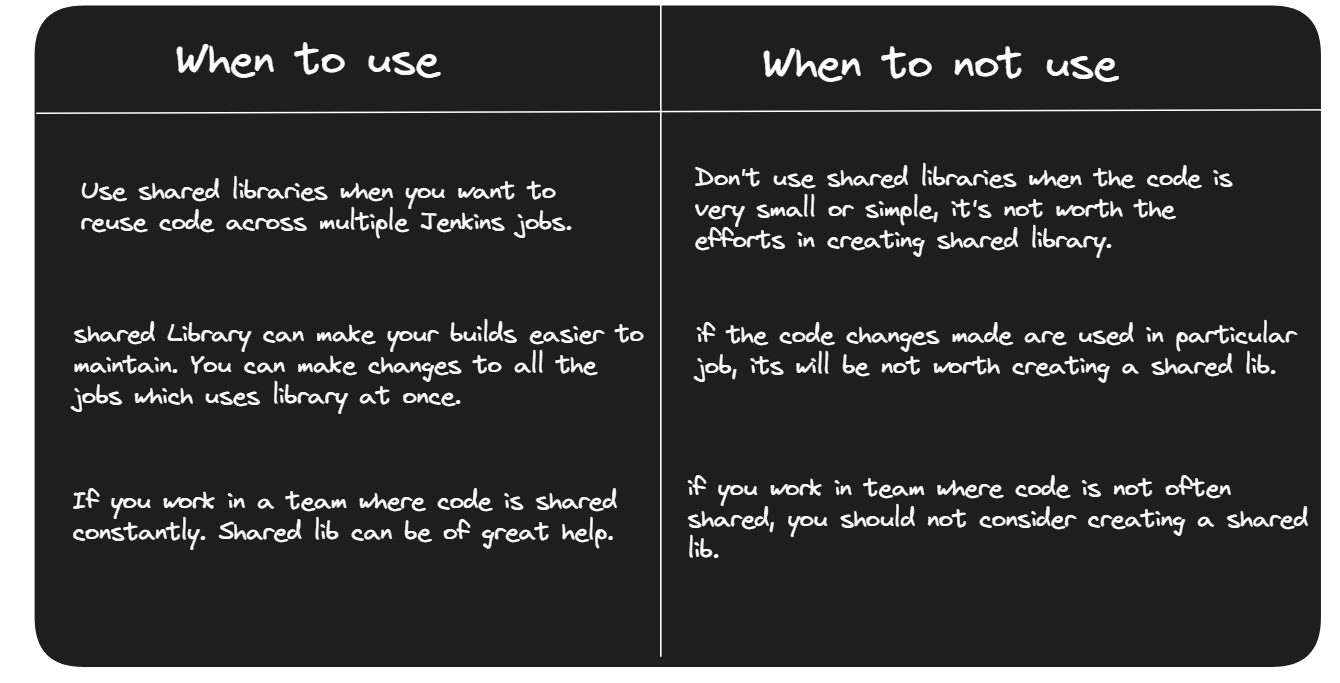
By using the shared library and calling the checkoutCode function, this pipeline script performs a code checkout operation by cloning the specified repository and switching to the develop branch.Hurray! We have created our first reusable code using Shared Library.When to use and When to not use Shared Library.
That’s it! We have learned basics about Shared Library. Hope you will use it in your next project.Pre-requisites Install Jenkins
FAQ
What is the use of a shared library in Jenkins?
In DevOps, a shared library is a central, version-controlled folder of code that all pipelines can reuse. Instead of copying code, they pull it from this library, so you update it once and every workflow stays consistent, secure, and compliant.
Who can view a shared library in Jenkins?
In Jenkins, anyone who has read access to the shared library’s source repository and to a job that references it can see and use that library. Admins manage the library settings; developers or DevOps engineers with at least read permission on the repo and the relevant jobs can view the library code when it’s checked out in their pipelines.
Altimetrik is committed to protecting your personal information. To apply for a position, you will need to provide your email address and create a login. Your information will be used in accordance with applicable data privacy laws, our Privacy Policy, and our Privacy Notice.